
Understanding Virtual Device Drivers
Discover how virtual drivers create software versions of hardware — powering everything from VPNs to virtual machines to emulators.
What It Does
Common Symptoms
Quick Fixes
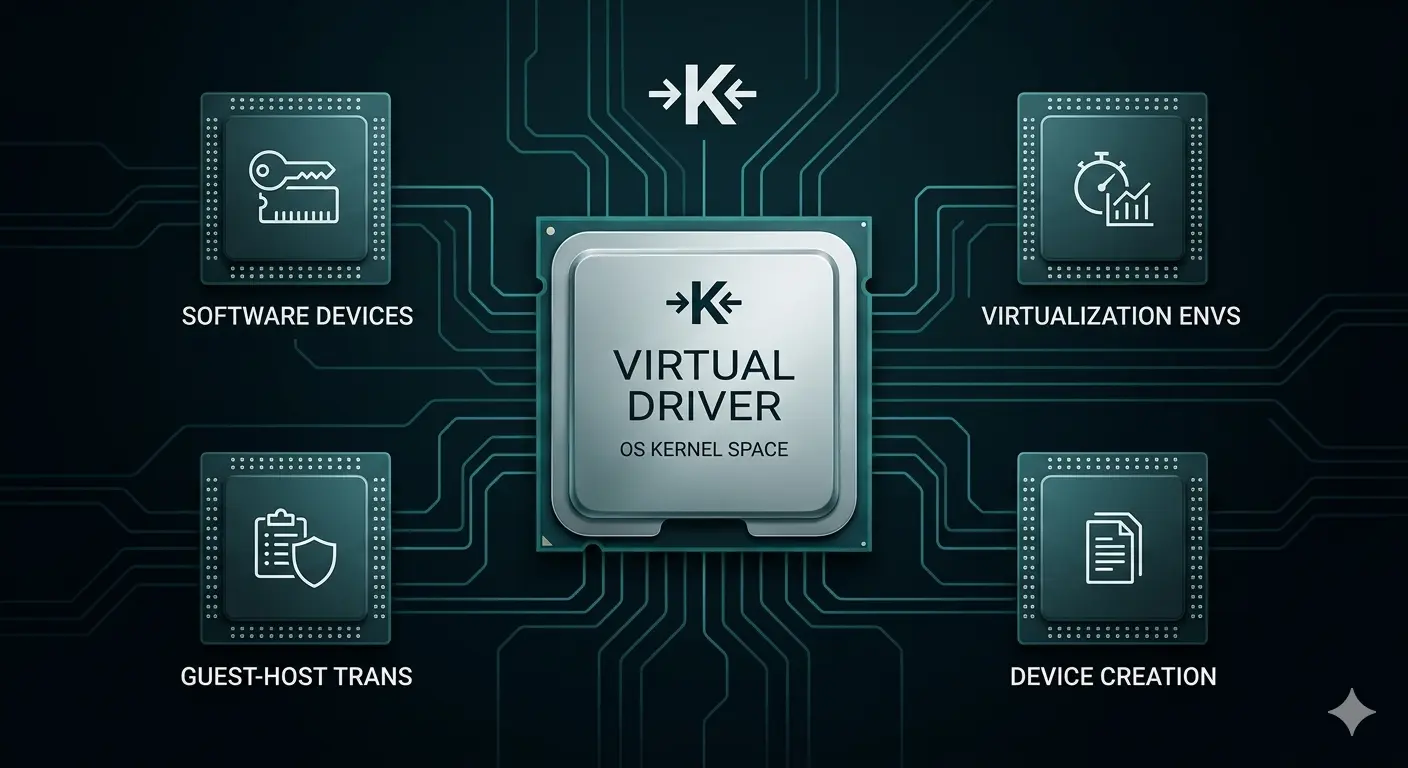
Software-Only Hardware
Creates virtual devices that act like real hardware without needing physical components.
VM & Emulator Use
Essential for virtual machines, emulators, VPNs, and other tools that need virtual interfaces.
Isolated Environments
Provides safe, secure environments for testing, development, and specialized applications.
Most Common Topics
What a Virtual Device Driver Does
Virtual device drivers create software abstractions of hardware devices that either don't physically exist or are shared among multiple software environments. They are essential for virtualization platforms, emulation layers, and software systems that need to present a hardware-like interface to other software without requiring actual physical hardware to be present.
In hypervisor environments such as those used for virtual machines, virtual device drivers (often called VirtIO drivers in Linux-based systems) provide virtual machines with access to storage, network, and display resources managed by the hypervisor. These drivers communicate with a virtual device backend running in the privileged host OS or hypervisor kernel rather than with real hardware. The virtual driver translates the guest OS's hardware requests into hypervisor-level calls, which the host then services using real hardware.
Creates software-only devices that act like real hardware
Essential for virtual machines, VPNs, and emulators
Translates guest OS requests to host system calls
Can create virtual printers, network adapters, audio devices, and more
How Virtual Drivers Make the Impossible Possible
Virtual device drivers create software-only representations of hardware. Your OS thinks it’s talking to a physical device, but the driver is actually translating requests to other software or services.
This is what makes VPNs, virtual machines, and emulators work so well. A VPN creates a virtual network adapter, a VM creates virtual disks and network cards, and an emulator creates virtual game controllers and displays.
Fix virtual device issues in five steps
- 1.
Restart the host application — If a virtual device stops working, first restart the program that uses it — like your VPN, VM, or emulator.
- 2.
Reinstall the virtual driver — Uninstall and reinstall the host software. This usually refreshes the virtual driver installation completely.
- 3.
Check for software updates — Outdated virtual drivers can cause issues. Update your VPN, VM, or emulator to the latest version.
- 4.
Verify host OS compatibility — Ensure the virtual device software is compatible with your current OS version after any major updates.
- 5.
Temporarily disable security — Antivirus or firewall software can sometimes interfere with virtual drivers — test with them temporarily disabled.
Virtual driver issues are usually resolved by working with the host application rather than the driver itself. If problems persist, the software's support team can provide tailored troubleshooting steps for their specific virtual drivers.
Common Device Manager codes
These are the most common Device Manager errors and what they usually mean.
| Code | What It Means In Plain English | The Usual Fix |
|---|---|---|
| Code 28 | No driver is installed for the device. | Install the correct driver from the manufacturer. |
| Code 10 | The device cannot start. | Reinstall the driver and restart the computer. |
| Code 45 | The device isn't currently connected. | Reconnect the device and check cables or power. |
| Code 19 | The device's configuration information is damaged. | Uninstall the device and let Windows reinstall it. |
Frequently Asked Questions
Everything you need to know about virtual device drivers and how they work.
Virtual network adapters for VPNs, virtual printers that save PDFs instead of printing paper, virtual disks for VMs, and virtual audio devices for streaming are all popular examples.
Most come with the software that uses them — your VPN client, VM software, or emulator installs its own virtual drivers automatically during setup.
Rarely, but it can happen if resources overlap. Usually, the OS handles virtual devices separately to avoid conflicts with physical hardware drivers.
Want us to explainanother driver topic?
Our friendly overview covers every major hardware category — from the device on your desk to the chips inside your laptop. Tell us what to write next.