
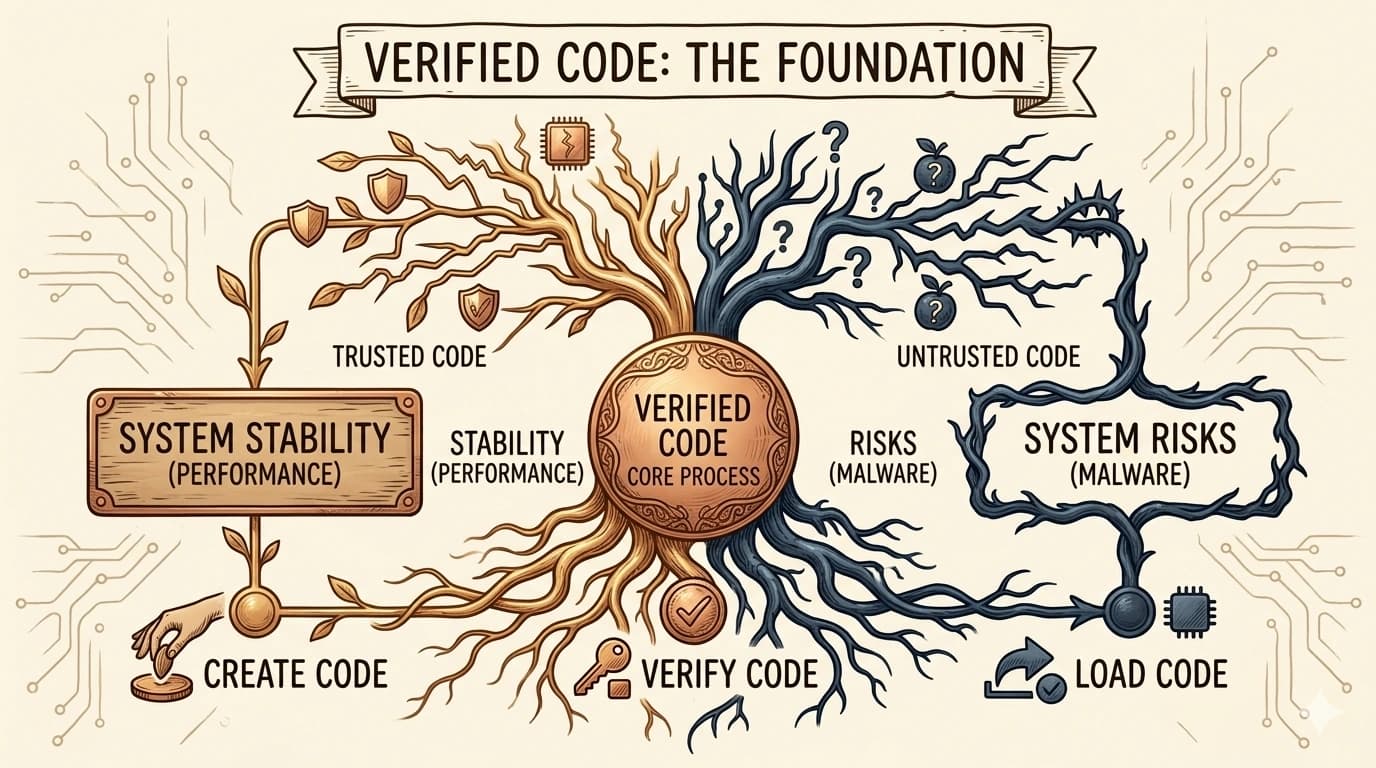
Modern operating systems refuse to load unsigned drivers by default. Here's what that means, why it matters, and when it's okay to bypass.
What driver signing actually is
Driver signing is a cryptographic seal of approval: the driver's developer uses a digital certificate to "sign" the driver package, proving that it came from them and that it hasn't been altered since they released it.
Why your OS is strict about it
Kernel-mode drivers have so much power that unsigned ones would be a perfect way for malware to take over your machine completely. By requiring signed drivers, modern operating systems block a whole class of attacks before they can even start.
When you might see a warning
You'll usually see a driver signing warning only with very old hardware, niche devices from small manufacturers, or drivers from non-official sources. In those cases, you have to decide: do you trust that driver package enough to bypass the OS's protection?
Our advice: stay signed
Whenever possible, use only signed drivers from trusted sources. The inconvenience isn't worth the risk of running unsigned code that can touch every part of your system.
End of Article
Written and maintained by the PC Driver Info editorial team