
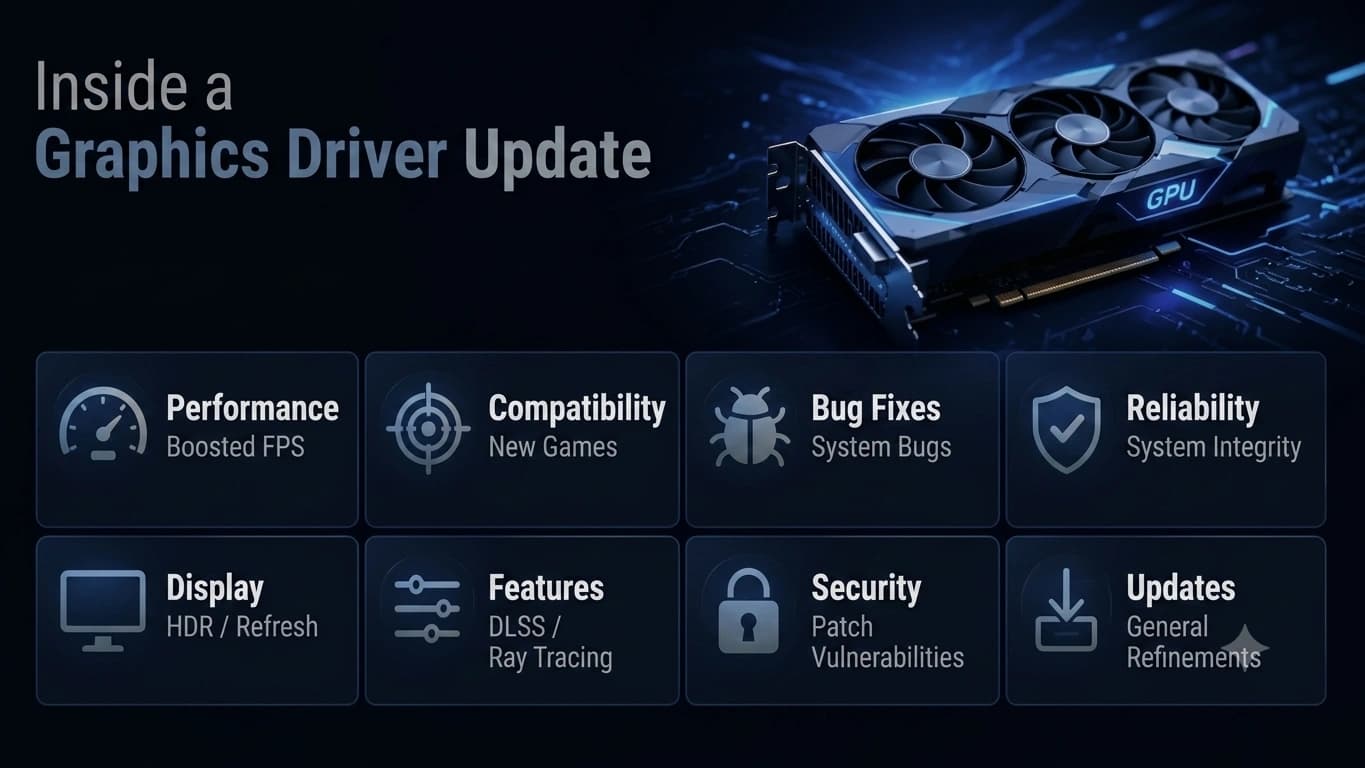
A "minor" update can deliver double-digit performance gains in a brand-new game. Here's what GPU makers quietly change between versions — and how to update without drama.
It's a compiler in disguise
Modern games don't ship with instructions your GPU can run directly. They ship shaders — small programs describing how surfaces, light, and effects should look — and the graphics driver compiles those programs, on your machine, into the native language of your exact GPU. When a driver update says "improved performance in [new game]," what usually changed is this compiler: it learned to translate that game's shaders into faster native code.
Game-specific profiles
Drivers also carry a database of per-application profiles. A profile can adjust how the driver schedules work, manages memory, or handles a specific technique a particular game uses heavily. Day-one drivers exist because the GPU maker's engineers profiled the game before launch and shipped the tuning to you. That's how a "minor" update produces a double-digit frame-rate improvement: nothing about your hardware changed, but the translation got smarter.
Bug fixes and the long tail
Beyond performance, every update fixes interactions: a flicker with one monitor's particular timing, a crash with one app's unusual rendering path, a stutter when two specific features combine. Release notes read like a strange poetry of edge cases. Most won't affect you; the one that does makes the update worth it.
Should you always update immediately?
Here's the honest answer. If you play new releases, yes — day-one drivers genuinely matter. If your machine is a stable workhorse running mature software, you can update at a relaxed pace: every couple of months, or when release notes mention something you actually use. There is no virtue in being first if nothing you run changed.
The clean-install habit
When you do update, prefer the installer's "clean install" or "custom" option when offered. It removes the previous version's files and settings before installing the new ones, which prevents the most common post-update complaints — flicker, stutter, and settings that won't stick. On laptops, check your laptop maker's support page first: their build is tuned for your specific panel and power limits. The takeaway: a graphics driver update is mostly a smarter compiler and a fresh stack of game profiles. Update with intention, install clean, and the most temperamental driver family on your PC becomes one of the most rewarding to maintain.
End of Article
Written and maintained by the PC Driver Info editorial team