
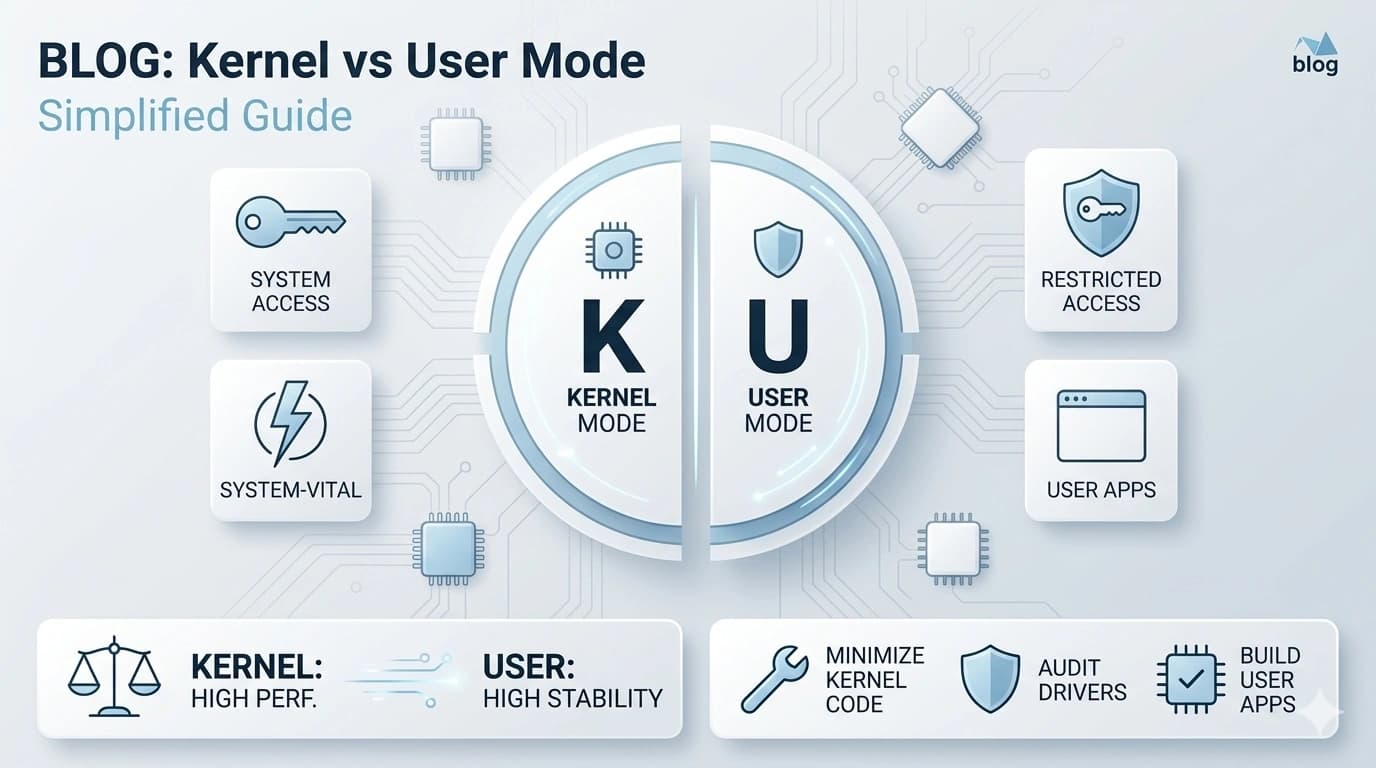
Some drivers run with deep system access; others are safely sandboxed. That one design choice explains why some crashes take the whole machine down.
The two neighbourhoods
Kernel mode is the inner sanctum: code here shares an address space with the operating system's core and can touch hardware, memory, and scheduling directly. User mode is where ordinary applications live, each in its own protected bubble, asking the kernel politely for anything that touches the real machine.
Why anyone risks the kernel
Speed and access. Crossing from user mode into the kernel costs time on every trip, and a driver servicing thousands of operations per second — a graphics driver feeding a GPU, a storage driver streaming a database — can't afford the toll. Kernel residency also grants abilities user mode simply doesn't have: servicing hardware interrupts, direct memory access, precise timing. For the busiest drivers, there's no substitute.
The price of proximity
Sharing the kernel's space means sharing its fate. A user-mode program that crashes takes itself out; the OS shrugs and life continues. A kernel-mode driver that writes one byte to the wrong address can corrupt the operating system itself — which is precisely what the infamous full-system crash screens are: the OS detecting that its own integrity is compromised and stopping everything rather than corrupting your data. Historically, a large share of those screens traced back to third-party kernel drivers, not the OS proper.
The great migration outward
That history pushed a decades-long architectural trend: move whatever can leave the kernel out. Modern operating systems run printer drivers, many audio components, and lots of USB device logic in user mode through frameworks designed for the purpose. The trade is explicit — a small performance toll in exchange for crashes that are merely annoying instead of catastrophic. Even graphics stacks are now split, with a slim kernel component and a large user-mode portion, which is why a modern display driver can often crash, reset, and recover in two seconds of black screen rather than a reboot.
Why this matters to you
Two practical lessons. First, it explains the stakes: a flaky kernel driver doesn't degrade gracefully, which is why a clean, signed driver from the maker matters more here than anywhere else. Second, it explains recovery behaviour: a flicker-and-recover event is the user-mode design saving you; a full crash screen naming a driver file is the kernel design failing you — and a strong hint about exactly which translator to reinstall.
End of Article
Written and maintained by the PC Driver Info editorial team