
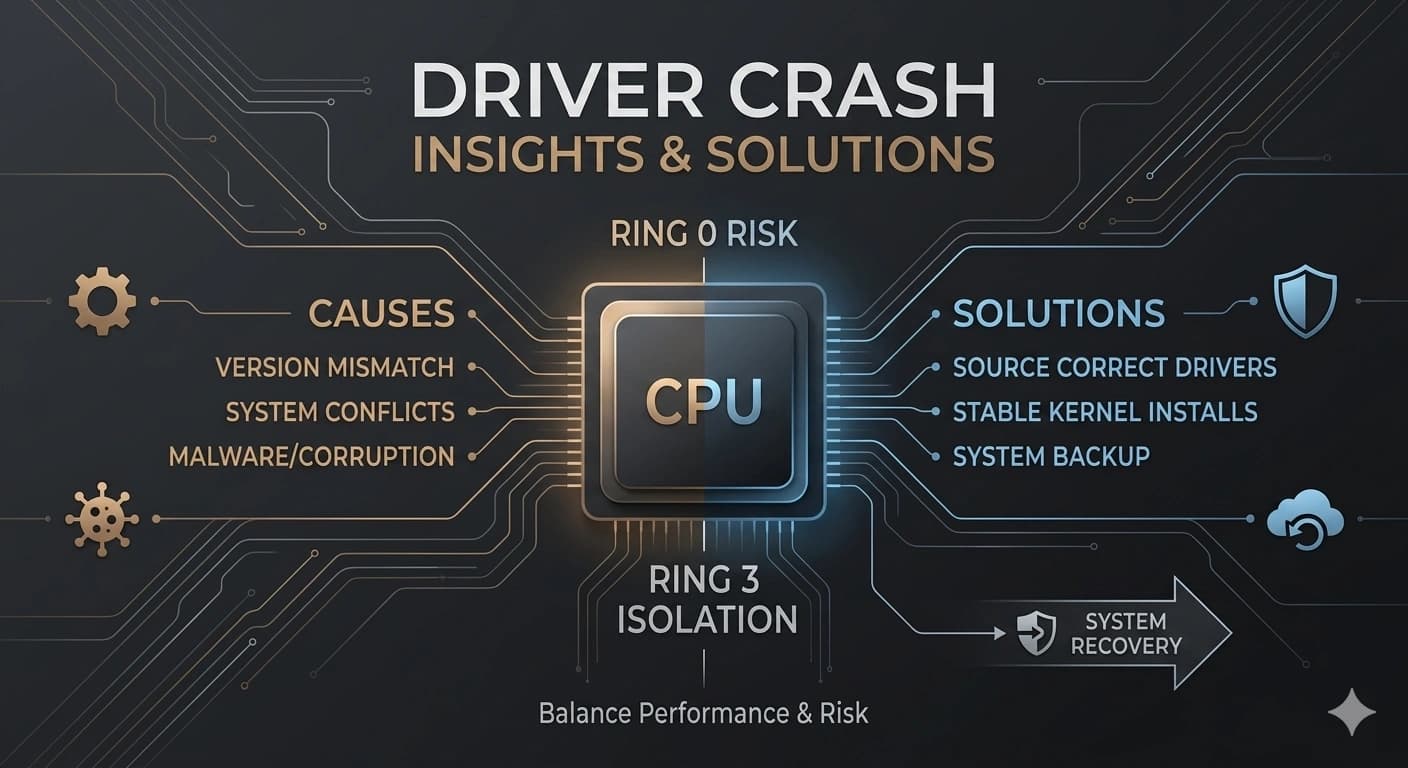
A crashing driver can be frustrating, but understanding why it happens can help you fix it quickly and prevent it from happening again.
Outdated or incompatible drivers
The most common cause of driver crashes is simply using an old driver that isn't fully compatible with the latest version of your operating system or with new software you've installed. Updating to the latest driver from the manufacturer usually fixes this.
Conflicting software
Sometimes two pieces of software try to use the same hardware resource at the same time, causing a conflict. This is common with antivirus programs, system utilities, and other software that runs low-level operations.
Corrupted driver files
Driver files can become corrupted due to a bad update, a sudden power loss, or malware. Reinstalling the driver cleanly usually replaces the corrupted files and fixes the problem.
Hardware issues
Sometimes the driver isn't the problem — the hardware itself is failing. If you've tried updating and reinstalling drivers and you're still having issues, it might be time to test the hardware or have it looked at by a professional.
How to respond when a driver crashes
If a driver crashes, note the error message or driver name if you can. Restart your computer first — that often clears temporary issues. If it keeps happening, roll back the driver, reinstall it, or restore from a backup.
End of Article
Written and maintained by the PC Driver Info editorial team