
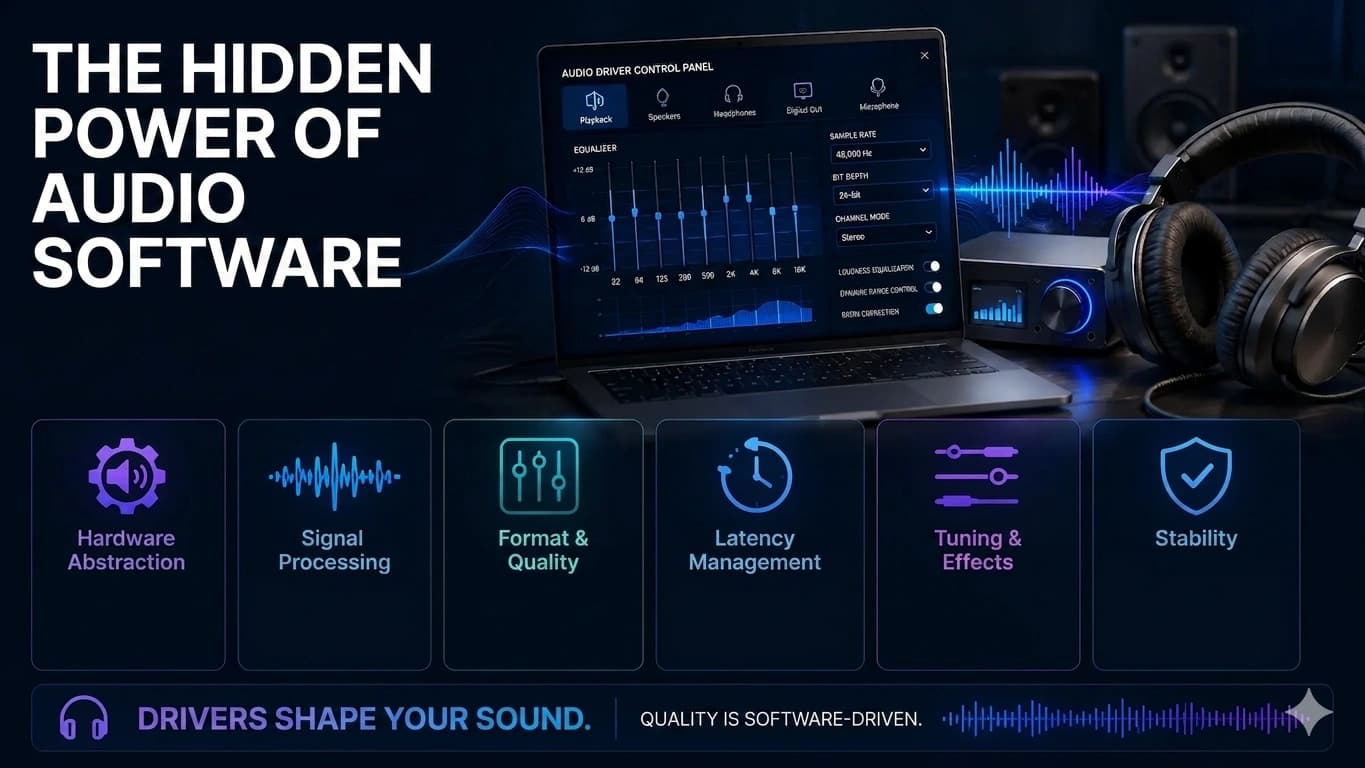
Two laptops with identical speakers can sound completely different. The reason is rarely the hardware — it's the audio driver and its processing chain.
The driver's day job: moving samples on time
Digital audio is a stream of samples — tens of thousands of numbers per second describing the sound wave. The audio driver's core job is moving those samples from applications to the sound chip on schedule. Too late, and you hear a crackle or pop as the chip runs out of data. This is why audio glitches under heavy system load: the driver missed its timing window, not because anything is broken.
The mixer nobody sees
You routinely play sound from several apps at once — music, a notification, a video call. The driver stack mixes these streams, converts between sample rates when apps disagree, and routes the result to whichever output is set as default. A surprising share of "no sound" complaints are routing: the system is faithfully delivering audio to a device that isn't connected anymore. Checking the default output is always step one.
Why identical speakers sound different
Here is the part that surprises people. Laptop makers ship their audio drivers with tuning profiles — equalization that compensates for the enclosure, loudness processing, sometimes full digital signal processing chains licensed from audio brands. Two machines with the same physical speakers but different tuning sound like different products. Sound quality, at the laptop scale, is mostly a software decision.
Enhancements: helpful until they aren't
That same processing layer is behind a classic troubleshooting move: disabling "audio enhancements." Effects tuned for music can mangle a conference call; a virtual-surround effect can make voices sound hollow. If audio sounds wrong rather than absent, the enhancement chain is the first suspect — turn it off and listen again before touching anything else.
Microphones live here too
Everything above runs in reverse for recording. The driver picks which microphone is "default," applies gain, and often noise suppression. The "why is my mic so quiet" complaint is almost always a level or default-device setting in this layer, not failing hardware. So before blaming the speakers: check the default device, try a second app, disable enhancements, and reinstall the maker's audio package if the device misbehaves. You'll fix the great majority of audio complaints without a screwdriver in sight.
End of Article
Written and maintained by the PC Driver Info editorial team