
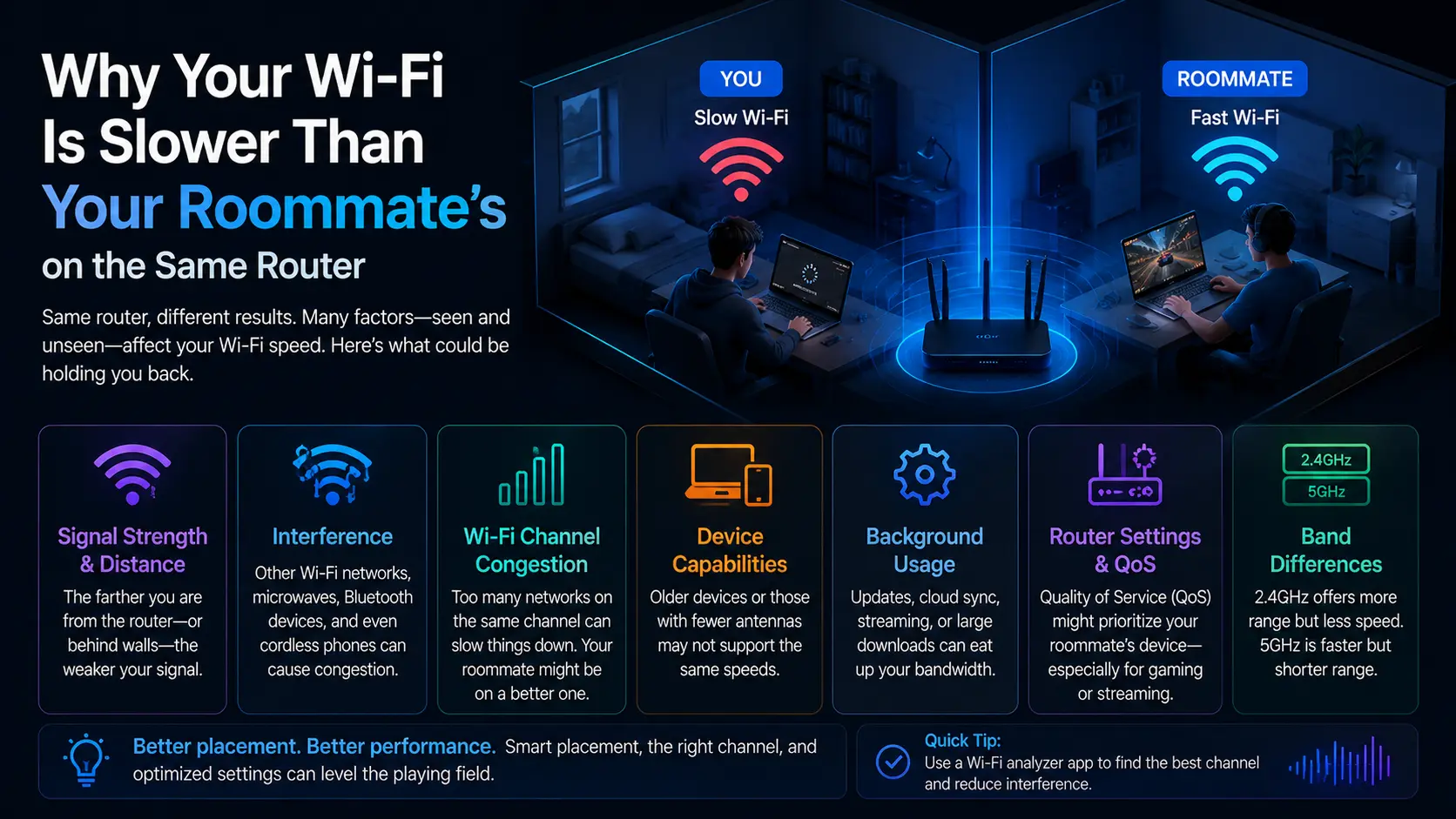
Same router, same room, very different speeds. The explanation usually lives inside your laptop — in the network adapter, its driver, and one greedy power setting.
Your adapter's generation sets the ceiling
Wi-Fi standards have generations, and each device connects at the best standard both it and the router support. If your laptop's wireless adapter is two generations behind your roommate's phone, you could sit side by side and see wildly different ceilings. No driver can raise a hardware ceiling — this is the one factor software can't fix, and it's worth ruling in or out first by checking your adapter's model and supported standards.
Power management quietly throttles you
Laptops aggressively save battery, and the wireless chip is a favourite target. The operating system can put the adapter into low-power states that reduce throughput and add latency — and with some driver versions it does this even when you're plugged in. The fix takes one minute: in the adapter's power-management settings, stop the system from turning the device off to save power. This single change resolves an outsized share of "my Wi-Fi is mysteriously slow" complaints.
The driver decides how well the hardware is used
Between the ceiling and the throttle sits the driver, which handles roaming between access points, transmission-rate adjustments as signal changes, and the offload features that move work onto the network chip. Old drivers carry old bugs: dropping to slow rates and never recovering, mishandling congested channels, waking poorly from sleep. Laptop makers tune wireless drivers for their exact antenna layouts, so their support page — not a generic source — is the right place for an update.
The five-minute routine
Update the wireless driver from your laptop maker, disable the power-saving option for the adapter, restart, and prefer the 5 GHz network when both bands share a name. If speeds still lag dramatically, compare adapter generations honestly — sometimes the answer is that your roommate's hardware is simply newer, and a small USB or internal upgrade closes the gap.
End of Article
Written and maintained by the PC Driver Info editorial team