
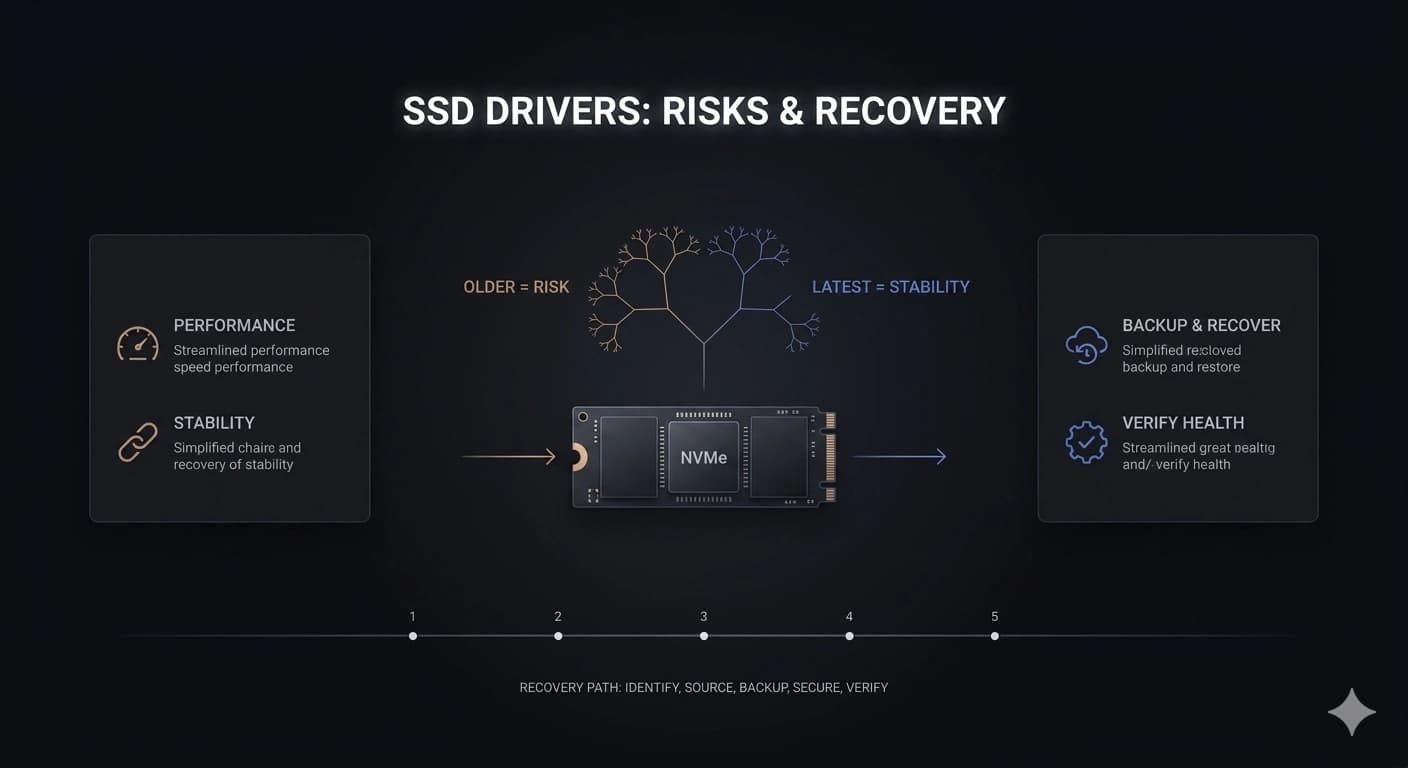
SSDs are fast and reliable, but do their drivers need attention? Here's what you need to know about SSD driver updates.
The short answer: usually not
For most SSDs, the operating system's built-in storage driver works perfectly well. Unlike graphics cards, SSDs don't get frequent performance boosts from driver updates, and the basic functionality is handled very well by generic drivers.
When you should update SSD drivers
You should update your SSD driver only if you're experiencing specific issues like slow performance, the drive not being detected, or the manufacturer explicitly recommends an update for compatibility or bug fixes.
TRIM is more important
Instead of worrying about SSD drivers, make sure TRIM is enabled. TRIM helps your SSD maintain performance over time by cleaning up unused blocks in the background. Most modern operating systems enable TRIM automatically for SSDs.
Firmware vs. drivers
Don't confuse SSD drivers with SSD firmware. Firmware is software that lives on the SSD itself, and updating it can sometimes fix bugs or improve performance. Check the manufacturer's website for firmware updates for your specific SSD model.
End of Article
Written and maintained by the PC Driver Info editorial team